2.1.2
Designing, Creating and Refining Algorithms
This topic is about turning a problem into a solution that can be followed clearly. You need to identify inputs, processes, and outputs, create or refine algorithms using pseudocode or flowcharts, use trace tables, and spot syntax or logic errors.
On this page9 sectionsHide
What you need to know
- Identify inputs, processes, and outputs for a problem.
- Use structure diagrams, pseudocode, flowcharts, reference language or high-level programming language, and trace tables.
- Spot syntax and logic errors and suggest fixes.
- Refine an algorithm, including using nesting for selection and iteration.
Planning
Inputs, processes, outputs, and structure diagrams
Before you start coding or writing an algorithm, it helps to be clear about what information goes in, what happens to it, and what comes out.
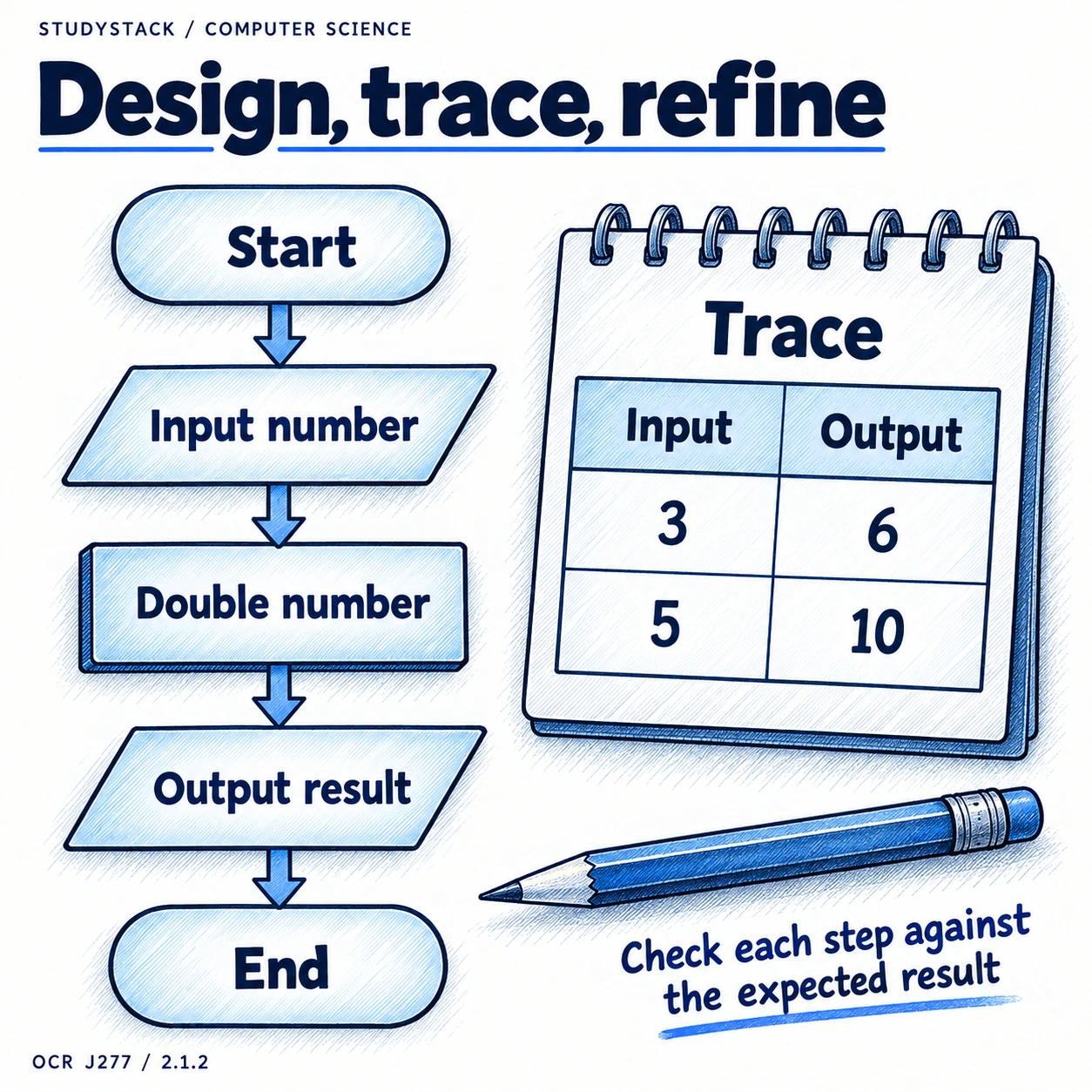
- Input: data received by the system.
- Process: what is done to the data.
- Output: the result produced.
- Structure diagrams show how a larger problem is split into smaller linked tasks.
Making Sense Of It
The same algorithm can be shown in different ways
The same logic can appear as words, pseudocode, a flowchart, or reference language.
A structure diagram shows the overall shape of the solution and how tasks are broken down. Pseudocode shows the steps in a readable written form. A flowchart shows the same logic visually. Reference language or high-level language shows it in code-like form.
These may look like separate topics, but they are really different ways of expressing the same underlying algorithm.
High-value idea
If you can recognise the same logic in more than one form, many exam questions become much easier.
Representation
Pseudocode, flowcharts, and reference language
You may be asked to read, complete, or improve an algorithm in different forms.
Pseudocode uses structured written steps that look a bit like programming but are designed to be easy to read.
Flowcharts use standard symbols to show inputs, outputs, processes, decisions, and subprograms.
Algorithms can also appear in reference language or a high-level programming language, so be comfortable recognising the same logic in more than one format.
| Flowchart symbol | What it shows |
|---|---|
| Line | The direction of flow |
| Input/Output | Data entering or leaving the system |
| Process | An action or instruction |
| Decision | A question that leads to different paths |
| Subprogram | A linked module or routine |
| Terminal | The start or end of the algorithm |
Not required
You do not need to memorise one exact house style of pseudocode. Focus on clear logic and the standard symbols.
Following Logic
Trace tables
A trace table shows how variable values change as an algorithm runs.
This is especially useful when checking loops, conditions, or debugging a piece of pseudocode. If you can follow the values carefully, you can often spot where the logic goes wrong.
Exam habit
Write one line of the trace table at a time and update every variable that changes before moving on.
Debugging
Syntax errors and logic errors
This comparison comes up often because both problems stop an algorithm from being useful, but for different reasons.
| Type of error | What goes wrong | Typical result |
|---|---|---|
| Syntax error | The rules of the language are broken | The code or reference language cannot be translated or run properly |
| Logic error | The steps are in the wrong order or use the wrong condition or formula | The algorithm runs but gives the wrong result |
Quick distinction
Syntax errors stop it working properly. Logic errors let it run but produce the wrong answer.
Improving Algorithms
Nesting and refining
Algorithms are often improved after testing or tracing has shown a weakness.
- Nesting means putting one selection or loop inside another.
- Refining means making the algorithm clearer, more accurate, or more efficient.
- Refining may mean changing a condition, adding missing steps, or improving the order of the algorithm.
- Refinement usually means improving an existing solution rather than inventing a completely new one.
Key takeaways
- Good algorithm design starts by understanding the inputs, processes, and outputs.
- Pseudocode, flowcharts, and reference language can all express the same logic in different ways.
- Trace tables help you follow an algorithm step by step.
- Syntax errors break the rules of the language, while logic errors give the wrong result.
Glossary
- IPO
- Inputs, processes, and outputs.
- Structure diagram
- A diagram that breaks a larger solution into smaller linked tasks or modules.
- Pseudocode
- A structured way of writing an algorithm in readable steps.
- Flowchart
- A diagram that represents an algorithm using standard symbols.
- Trace table
- A table used to track the value of variables step by step.
- Syntax error
- An error caused by breaking the rules of the language or notation.
- Logic error
- An error that allows code to run but produces the wrong output.
Test yourself
5 questions
What does IPO stand for?
Inputs, processes, and outputs.
What does a trace table help you do?
Follow variable values step by step as an algorithm runs.
What is the difference between a syntax error and a logic error?
A syntax error breaks the rules of the language, while a logic error gives the wrong result.
What does nesting mean?
Putting one selection or loop inside another.
What is a structure diagram used for?
It shows how a larger solution is broken down into smaller linked tasks or modules.
Common questions
Why use a flowchart instead of pseudocode?
A flowchart can make the logic easier to visualise, especially for decisions and branching.
Why are trace tables important in OCR J277?
Because they help you follow an algorithm carefully and spot errors or missing steps.
What does refining an algorithm mean?
It means improving it after reviewing, testing, or spotting weaknesses in the original version.