2.3.1
Defensive Design
Defensive design is about planning for mistakes, bad input, and misuse before they happen. You need to understand authentication, input validation, anticipating misuse, and maintainability, and how they apply to exam answers.
On this page7 sectionsHide
What you need to know
- Explain why defensive design matters.
- Understand authentication and input validation.
- Recognise and choose suitable validation checks.
- Explain how naming, indentation, commenting, and subprograms improve maintainability.
Big Picture
Why defensive design matters
Programmers should not assume users will always type the correct thing.
Defensive design means planning for errors, misuse, and unexpected inputs so the program responds safely instead of crashing or producing nonsense.
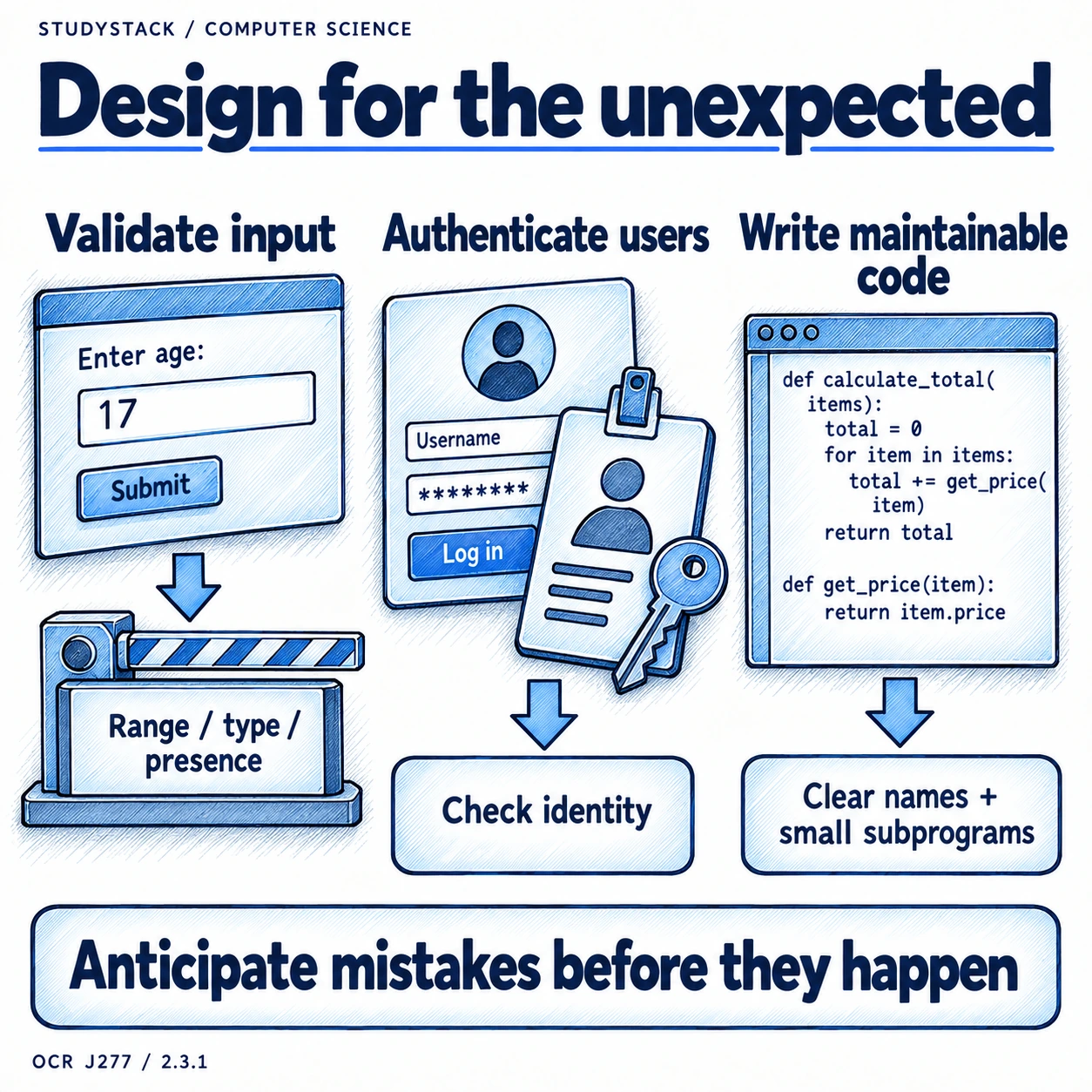
- Anticipate mistakes.
- Protect the system and the user.
- Keep the program stable and reliable.
Input Checks
Validation and anticipating misuse
Validation comes up frequently in exams, so the check and its purpose should match clearly.
| Validation check | What it checks | Example |
|---|---|---|
| Range check | Value is between limits | Age must be between 0 and 120 |
| Length check | Input has the right number of characters | Password must be at least 8 characters |
| Type check | Input is the correct data type | Age must be an integer |
| Presence check | Input is not left blank | Username must be entered |
| Format check | Input matches a required pattern | Postcode or email address format |
Important distinction
Validation checks whether input is sensible. It does not prove the data is actually true. That is verification.
Users
Authentication
Authentication confirms that a user is who they claim to be.
- A common simple example is a username and password.
- Authentication helps stop unauthorised access.
- The focus is on practical examples rather than advanced security systems.
Readable Code
Maintainability
A program is not just written once. It may need fixing, updating, or extending later.
- Meaningful names make code easier to read.
- Indentation makes program structure clearer.
- Comments explain code where needed.
- Subprograms break large solutions into manageable parts.
Strong exam point
Maintainable code is easier for other programmers to understand, test, and improve.
Key takeaways
- Defensive design tries to stop bad input or misuse from breaking a program.
- Authentication checks who the user is.
- Validation checks whether input is sensible and in the correct format.
- Maintainable code is easier to understand, fix, and improve later.
Glossary
- Defensive design
- Designing programs to deal safely with mistakes, misuse, and unexpected input.
- Validation
- Checking whether input is sensible and in the right format.
- Authentication
- Checking that a user is really who they claim to be.
- Maintainability
- How easy a program is to understand, test, and modify.
- Format check
- A validation check that tests whether input matches a required pattern.
Test yourself
4 questions
What is defensive design trying to prevent?
Programs crashing or behaving badly because of misuse or incorrect input.
What does authentication do?
It confirms the identity of the user.
What does a range check do?
It checks whether a value falls within allowed limits.
Why does indentation matter?
It makes code easier to read and understand.
Common questions
What is the difference between validation and verification?
Validation checks whether data is sensible and in the correct format, while verification checks whether it is actually accurate.
Why is authentication part of defensive design?
Because it helps stop unauthorised users accessing the program or data.
Why is maintainability included in defensive design?
Because writing readable, well-structured code reduces errors and makes future changes easier.